


Update : there is a poll about how you want to desatived customized community by mods. Please voice your ideas ;) https://piefed.social/c/piefed_meta/p/1956838/how-do-you-want-disabling-community-themes-to-work
Hi !
With the update of that allows mods to change their community theme, i just wrote a wiki page that browse almost all Piefed customization options for users.
There is some rough edge but it is mostly complete. The profile section lacks some details :
https://piefed.social/community/fediverse/wiki/piefed-user-css
With the CSS, you can remove vote button, emojis reaction, the logo of your instance, change font, change theme and also create a new theme…
Look what you can get when you play around. :3
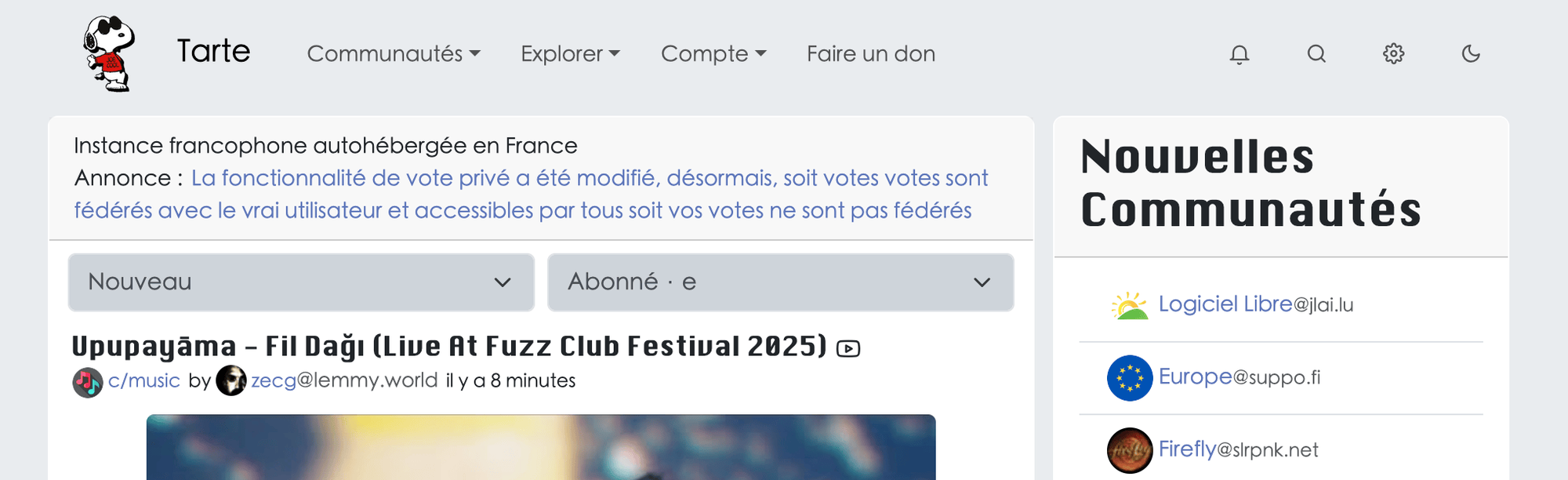
The original instance : https://tarte.nuage-libre.fr/
Check this community too : [email protected]
Good reading ! :)
You must log in or # to comment.
deleted by creator
That’s not easy but i hope the wiki is clear. If there are part unclear, you can told me where. I do my best to reach and help new users ^^
The most difficult thing is to find the css name attributed to : body text, title, buttons… if we want to change it.
To find this css name, we do a "reverse engenering " by reading the website source code.
We use the web browser (on desktop) and open web dev tool. Then inspect the element we want to change : title, text, thumbnail, vote button…
deleted by creator
